PHOTO · LIFE · TREE

One photo a day
grows your memory tree

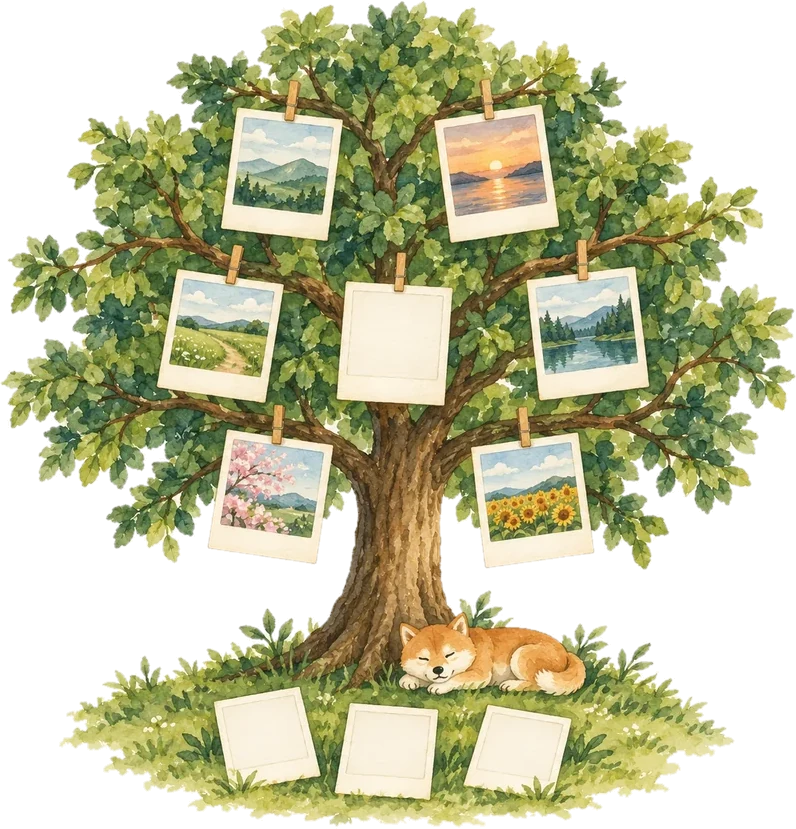
Complete today’s activities, snap a photo and hang it on your tree. Ten photos grow a tree, and after each 90-day season, you can look back and see how far you’ve come.

Coming soon to the App Store Coming soon to Google Play

Each 90-day season comes together in a memory bookComing soon

Three steps to grow a little every day

You don’t have to push yourself to do a lot. Just do one thing today and keep one photo to remember it by.

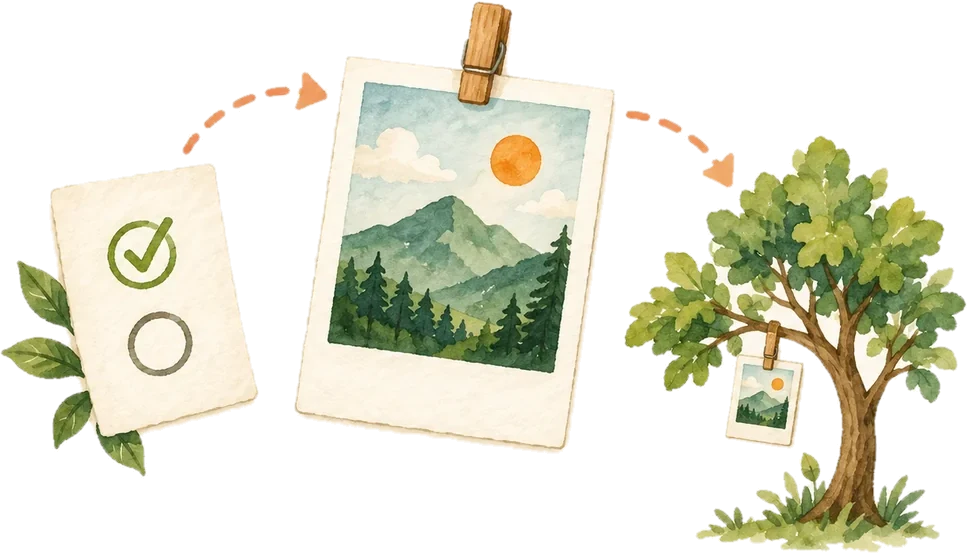
01

Complete today’s activities

Exercise, reading, walking, meditation… Pick the habits you want to build and check them off as you go.
02

Hang a photo on your tree

One photo a day, and ten photos grow a tree that’s all yours.

03

Collect every tree

Every tree you grow is kept in your collection, and we celebrate your milestones on Day 30, 60 and 90.


A new landscape every 90 days

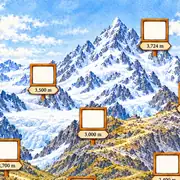
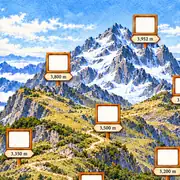
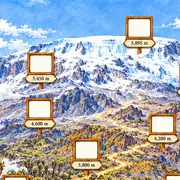
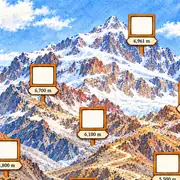
Each season has nine trees for you to collect. Season 1 is full of colorful trees, Season 2 takes you into the desert among cacti and an oasis, and Season 3 takes you up some of the world’s most famous mountains.

Season 1 · Trees of Color

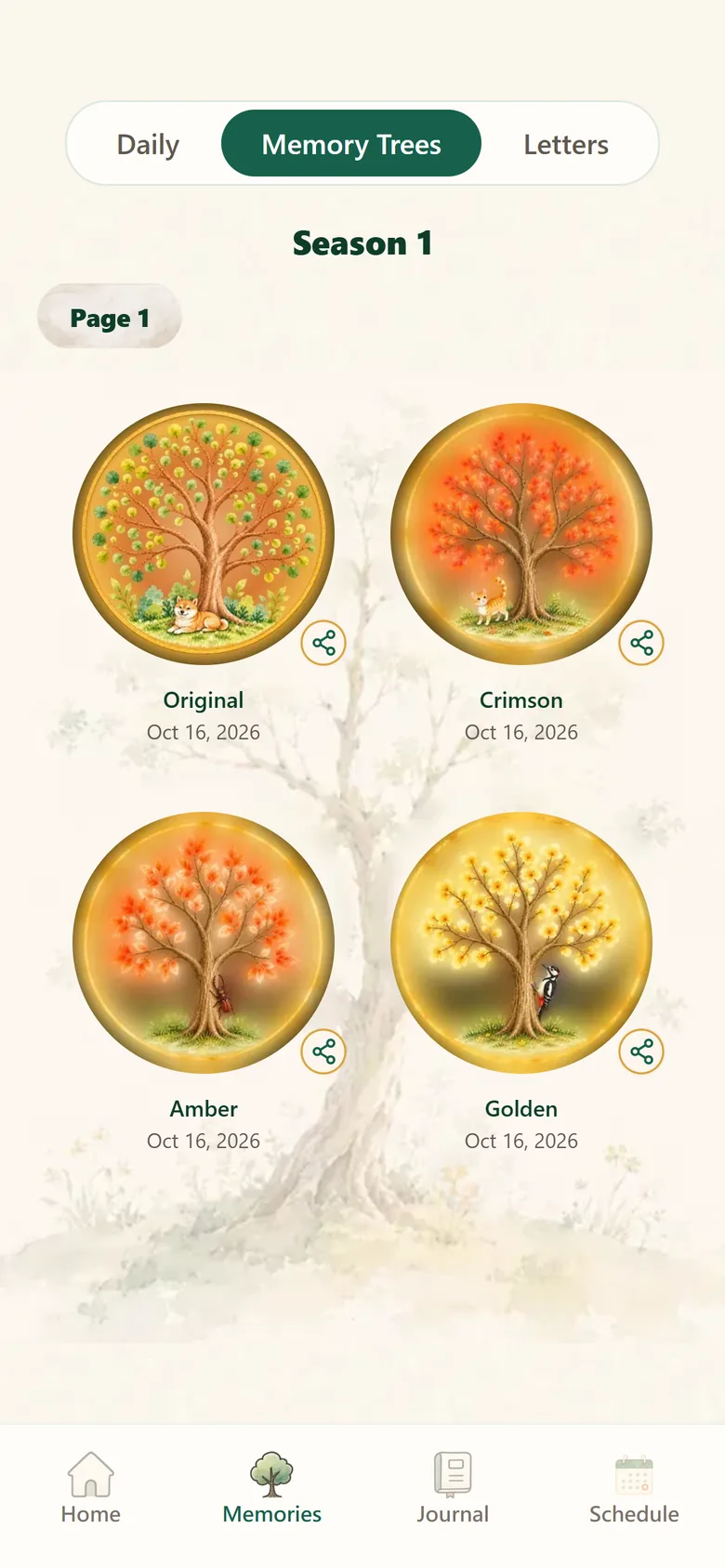
Start with the Original tree, then collect Crimson, Amber, Golden… all the way to Rainbow.

Season 2 · Desert Oasis

Grow nine desert plants and reach the grand finale, Palm Oasis, on Day 90.

Season 3 · Great MountainsComing soon

Every photo takes you one step up the trail, from Aoraki / Mount Cook all the way to Mount Everest.

A look inside the app

Four tabs to help you capture every day.

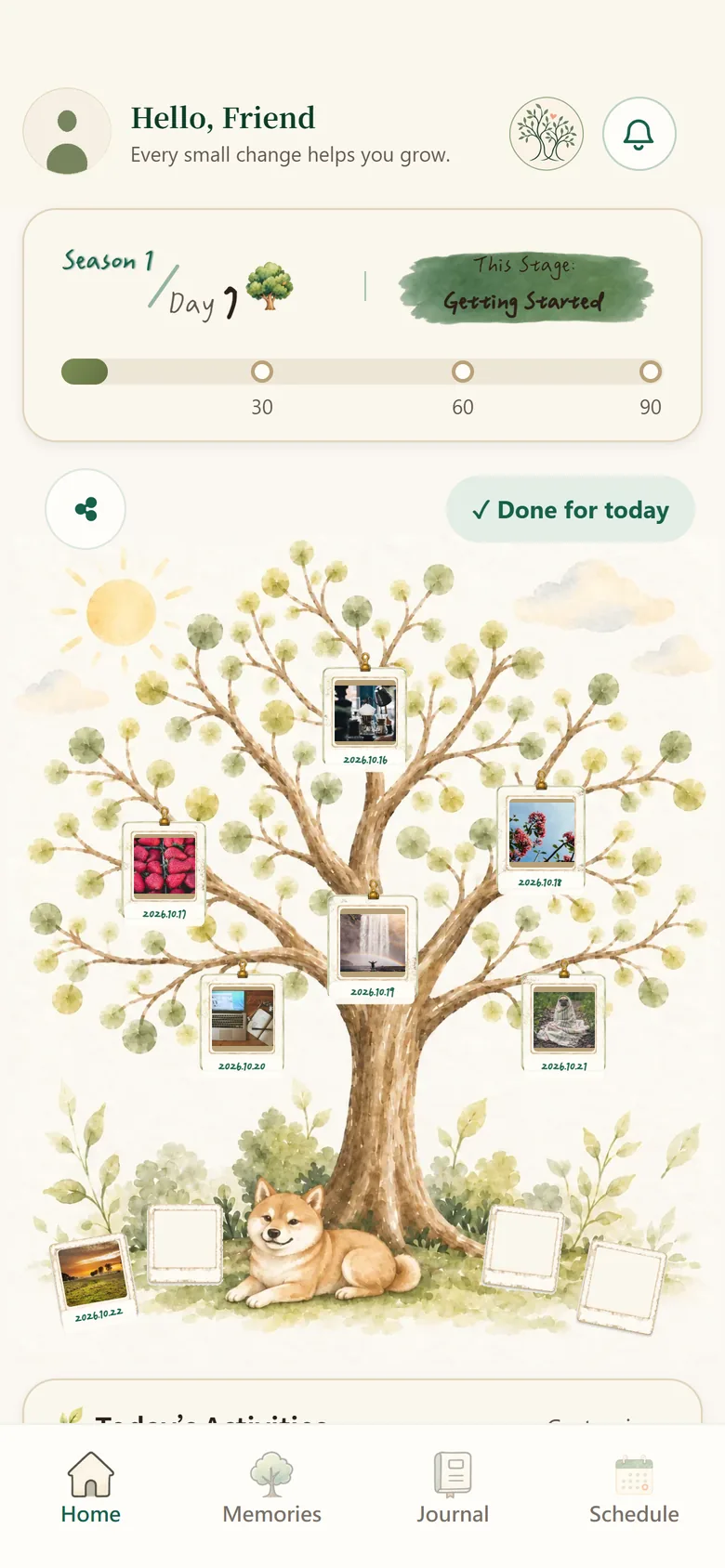
Home

Home

Hang photos, check off activities

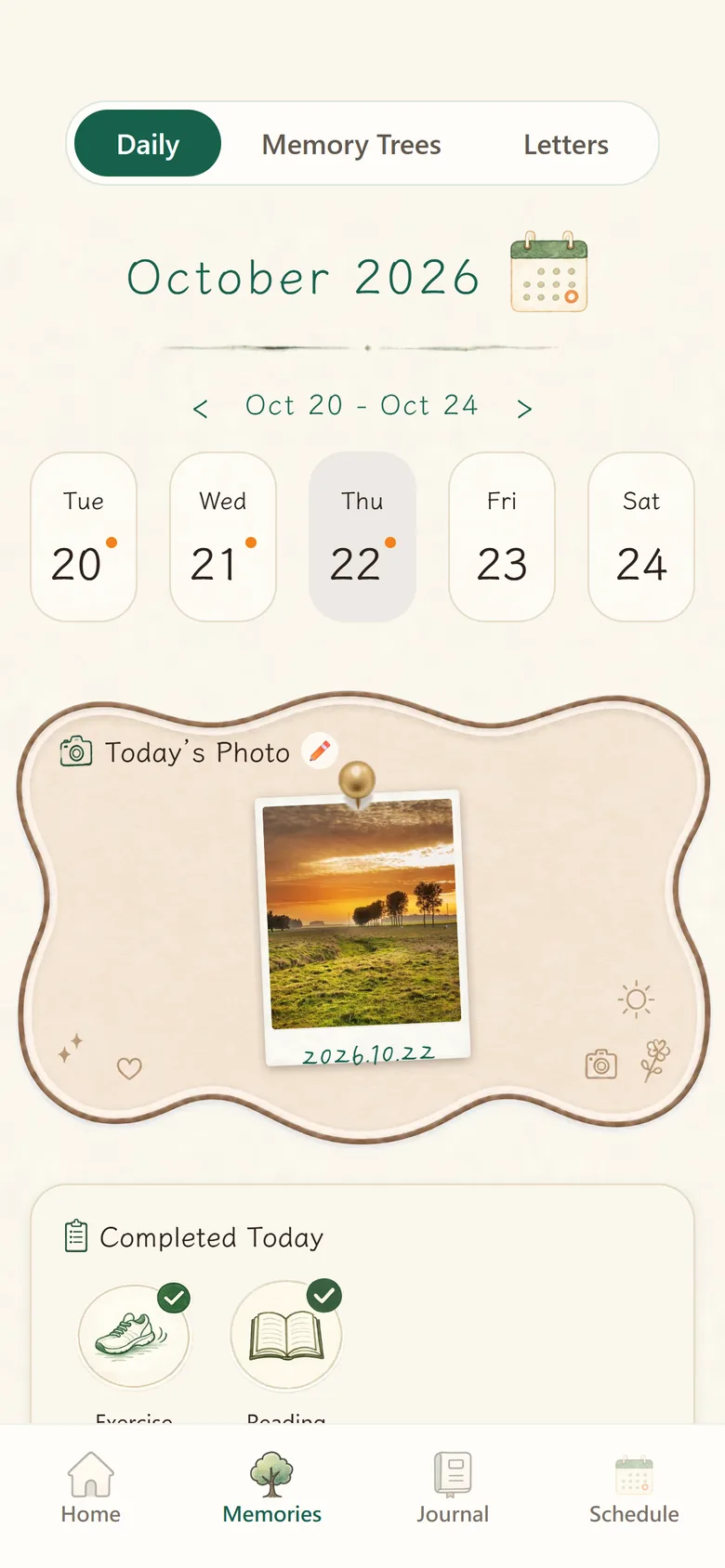
Memories

Memories

Browse each day, week by week

Memory trees

Memory Trees

Keep every tree you’ve grown

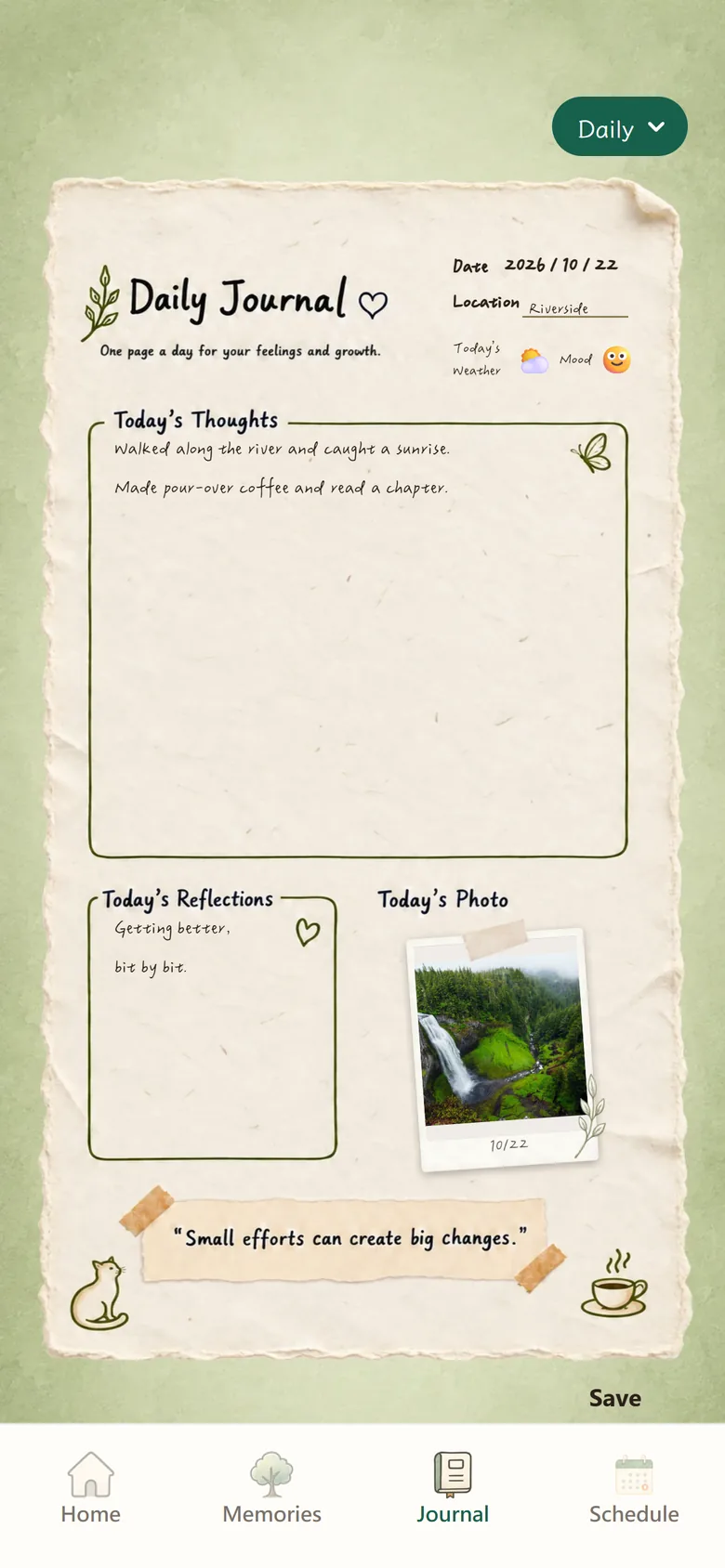
Journal

Journal

Daily, Workout and Travel pages

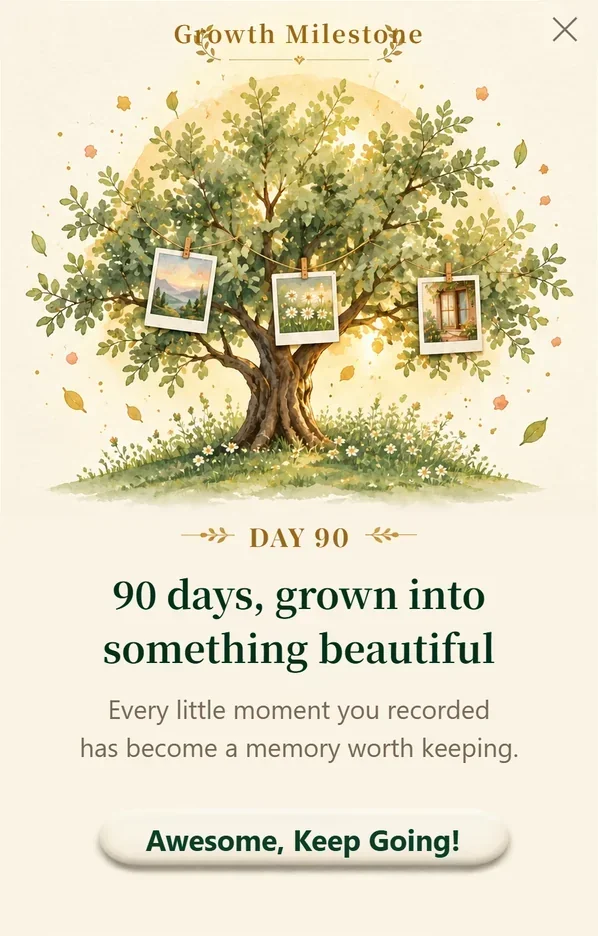
Day 90 milestone card

Reach Day 30, 60 and 90,
and we’ll celebrate with you

Each milestone has its own card to remind you how far you’ve come. Habits aren’t built in a day, but every day counts.

More than a habit tracker

  • Journal: write about your day with Daily, Workout and Travel templates
  • Schedule: plan your day and get a reminder right on time
  • Unplug: put your phone down and focus on one thing, with background music to keep you company
  • Memories: flip through each day’s photo and completed activities on a weekly calendar
Home, Memories, Journal and Schedule tabs
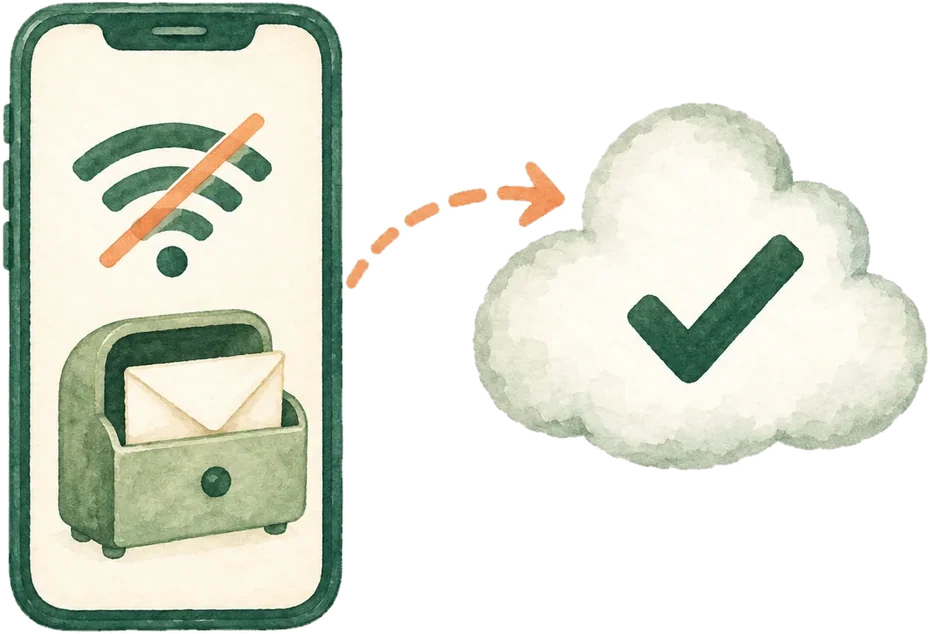
Record offline and sync once you’re back online

Keep recording, even offline

Up a mountain or on a plane, you can still add photos and write in your journal. Everything syncs to the cloud automatically once you’re back online, so your memories come with you when you switch phones.

Your memories stay yours

Photos and journals are deeply personal, so we take great care to keep them safe.

Private storage

Everyone’s photos and journals are stored separately and never made public. The only other users who can see the photos on your current tree are the tree friends you add.

No ads, no selling

We don’t sell your data, and there’s no ad tracking. Any future purchases will go through Apple or Google, so we never see your card details.

Delete anytime

If you ever decide to leave, you can delete your account along with all your photos, journals and other data.

FAQ

Is PhotoLife free?

Yes. Everything in this version is free: every tree in both seasons, the Daily, Workout and Travel journals, Schedule, Unplug and Tree Friends. A paid membership may come in a future version.

What if I miss a day?

No problem, and there’s no penalty. Your tree will wait for you. Your day count is based on how many photos you’ve added, so just pick up where you left off tomorrow.

Can I add more than one photo a day?

Your tree holds one photo per day, so each photo stands for that day. Want a different photo for today? Just add a new one and it will replace the old one.

Will I lose my data if I switch phones?

Not if you sign in with email, Apple or Google. Your data syncs to the cloud, so everything comes back when you sign in on your new phone. With a guest account (“Continue as Guest”), your data can’t be recovered after you sign out, so we recommend saving your account.

Does it work offline?

Yes. Photos, journals and check-ins are saved on your phone first and sync automatically when you’re back online.

How do I delete my account?

See how to delete your account, or email support@photolife.app.